Barcodes and Inventory: How Scanning Drives Stock Control
By Karen Whitfield · Published · 5 min read
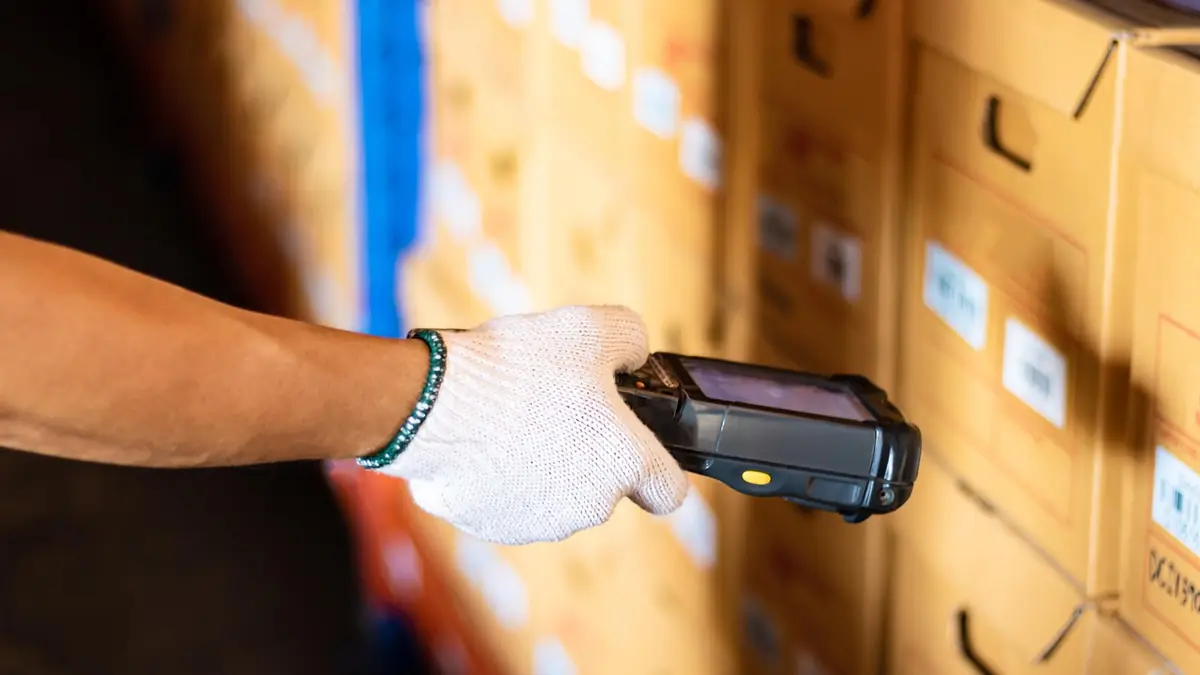
A barcode is only worth the paper it sits on if the number behind it reaches your inventory records. In a consignment shop, every tag carries three pieces of data that matter: the item's unique ID, its category, and its consignor. Scanning links that tag to a stock record, and that record is what drives counts, payouts and reorder decisions.
This article covers how barcode data actually flows into inventory tracking, where shops lose accuracy, and how to set up scanning so stock counts and reordering stop being guesswork.
What a Barcode Actually Stores
The stripes encode a string of characters, nothing more. In consignment software the typical scheme is a short internal SKU, often 8 to 12 digits, that maps to an item record in your database. That record holds the description, size, price, intake date, consignor ID and current status. Some shops use a prefix for the category and a suffix for the intake month, which makes manual reading possible when a scanner fails.
The barcode itself does not contain the price or the split percentage. Those live in the database and are looked up at the register. Keeping the tag short matters: a 20-digit code is harder to reproduce on a small thermal label and more prone to misreads on curved or fabric surfaces.
If you are still deciding on a labeling scheme, a structured approach pays off later. See Barcode Labels for Consignment Shops: A Practical Setup Checklist for label sizes, symbologies and printing options.
The practical rule: one item, one unique code, one record. Never reuse a code after an item sells, even if the same product comes back in. Duplicate codes are the fastest way to corrupt both inventory counts and consignor payouts.
- Internal SKU of 8–12 characters is typical
- Price and split stored in the database, not the barcode
- Category prefix helps manual fallback
- Never reuse codes after a sale
How Scan Data Feeds Inventory Tracking
Each scan event should write a transaction: intake, transfer between floor and backroom, sale, return or write-off. Inventory tracking is the running sum of those events per SKU. Shops that scan only at the register and not at intake end up with a two- or three-day lag between an item hitting the floor and its record existing, which makes on-hand counts unreliable during that window.
Scan at every status change, not just sale. A quick scan when an item moves to the hold shelf or the clearance rack keeps location data usable. Shops that do this can answer 'do we have it and where' in seconds; shops that do not usually end up walking the floor to check.
If your category tree is messy, scan data will not save you. Category structure determines how reports roll up. Setting Up Inventory Categories for a Consignment Store covers how to build a tree that supports reporting without over-complicating tagging.
Batch intake scanning is fine for speed, but reconcile the batch against the printed labels before the items go out. A missed label in a 50-item batch is easy to spot at the desk and nearly impossible to find once the item is on a rack.
Stock Counts: Cycle Counting Beats Annual Counts
A full annual physical count is expensive and tells you what went wrong months ago. Cycle counting — scanning a small slice of inventory every week — catches errors while they are still traceable. A practical schedule for a shop with 3,000 to 8,000 active SKUs is 100 to 200 items per week, rotating by category or rack section.
The scan itself is simple: scan the tag, the system compares the count to expected quantity, and variances are flagged. Most errors fall into four buckets: items sold but not scanned out, items received but not scanned in, items moved without a location update, and tags that will not scan. Fixing the first two usually recovers most of the accuracy.
Shrinkage deserves its own routine. Inventory Shrinkage in Consignment Shops: Causes and Fixes breaks down the common causes and the control points worth checking.
Do not count everything. Pick high-value categories, fast movers and any rack that shows a variance above roughly 3 percent. That keeps counting time under two hours a week for most small shops while still catching systemic problems.
- Count 100–200 SKUs weekly instead of one annual count
- Rotate by category or rack section
- Flag variances above about 3 percent for recount
- Prioritize high-value and fast-moving categories
| Item | Typical cost range | Type | Notes |
|---|---|---|---|
| USB barcode scanner | $40–$120 | One-time | Wired is fine for a single register |
| Thermal label printer | $150–$400 | One-time | 1–1.5 inch labels, direct thermal |
| Labels (per 1,000) | $20–$50 | Consumable | Adhesive quality matters on fabric |
| Software barcode module | $0–$300 or monthly | License or subscription | Check if included in base package |
| Cycle count labor (weekly) | 1–2 staff hours | Ongoing | 100–200 SKUs per week |
| Rescan/typing fallback time | 5–15 min per 100 items | Ongoing | Lower with better labels and placement |
Reordering: Turning Scan Data Into Buy Decisions
Reordering in consignment is not the same as in retail. You are not placing purchase orders for most stock; you are deciding what to accept from consignors. Scan data tells you which categories sell through and which sit. A category with 20 units in and 18 sold in 60 days is telling you to take more; a category with 40 in and 6 sold is telling you to slow down.
Set simple thresholds rather than complex formulas. Many shops use a sell-through rate per category per month and a minimum on-hand quantity for staples — basics like denim, plain tees or seasonal outerwear that customers expect to find. When on-hand for a staple drops below the minimum, that is a signal to actively recruit or accept more of that item.
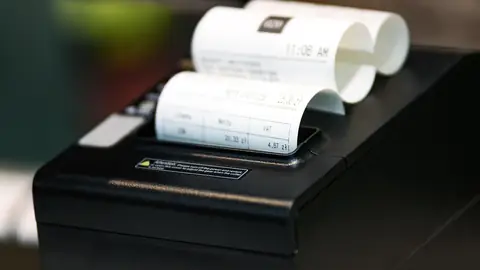
For consumables and supplies — tags, bags, receipt paper — barcode reordering works the same way as any retail system. Set a reorder point at roughly two weeks of average use so you are not caught short during a busy intake weekend.
If your software charges monthly per scanned item or per user, model the cost before you scale scanning. How to Choose Consignment Software Without Monthly Fees covers what to compare.
What Barcode Inventory Setup Costs
A small shop can usually get scanning running for a few hundred dollars up front. A basic USB barcode scanner costs roughly $40 to $120. A thermal label printer for 1-by-1.5-inch or 1.5-by-1-inch labels runs about $150 to $400, with labels at roughly 2 to 5 cents each depending on volume and material.
Software is the variable. Some consignment systems include barcode generation and scanning in a one-time license; others charge monthly. Budget for the scanner and printer as one-time costs and treat software as either a license or a subscription depending on the model you choose.
Do not overlook the cost of bad labels. Cheap paper labels on fabric curl and fade, and a tag that will not scan costs staff time at the register. Thermal labels with a decent adhesive usually pay for themselves in fewer rescan attempts.
If you are adding layaway or hold features that depend on scanning, check the feature list before you commit. Endless Aisle and Layaway: Small Shop Feature Checklist lists the scanning-related features worth requiring.
Where Scanning Goes Wrong
The most common failure is scanning at the register only. Sales reduce inventory, but intake never increases it, so counts drift downward and staff stop trusting the numbers. The second most common is label placement: tags on the inside of a collar or on a curved surface read poorly, and staff end up typing codes manually, which reintroduces errors.
A third failure is not scanning returns and holds. An item pulled for a customer and not scanned to hold looks like it is still on the floor; a returned item not scanned back in looks sold. Both distort sell-through figures and consignor payouts.
Finally, split percentages and payouts depend on accurate item records. If scan data is wrong, payouts are wrong, and consignors notice. Consignment Split Percentages: How to Set Payouts That Work explains how to structure splits so the numbers stay defensible when a consignor asks.
A five-minute weekly review of scan exceptions — items with no location, tags that failed, variances above threshold — catches most problems before they compound.
- Scan at intake, not just at sale
- Place labels on flat, clean surfaces
- Scan holds and returns as status changes
- Review scan exceptions weekly
- Scan at every status change — intake, hold, sale, return — not just at the register.
- Cycle count 100–200 SKUs weekly; it catches errors while they are still traceable.
- Use scan data to set simple category sell-through and on-hand thresholds for buying decisions.
- Budget a few hundred dollars for scanner and printer; bad labels cost more in staff time than good ones cost to buy.
Karen writes about consignment retail operations and has spent years helping small resale shops organize inventory and payouts. She focuses on clear, practical workflows that work without expensive subscriptions.